


How to Use AI for Business Automation: A Practical Agency Guide
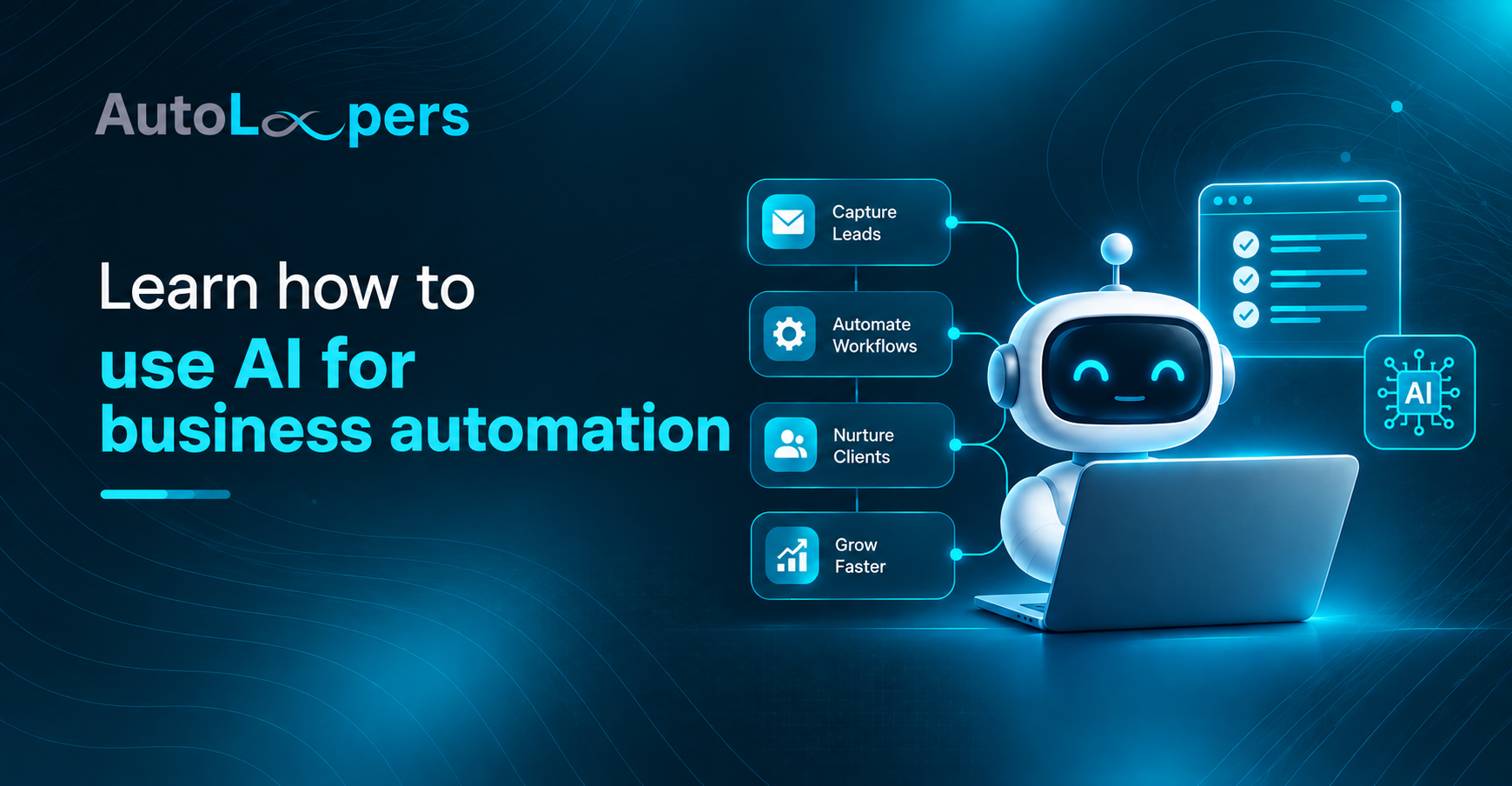
If you run an agency or a service business, you have probably noticed the same thing showing up in every conversation this year: AI for business automation. Everyone is talking about it, most people are guessing at it, and very few are actually doing it in a way that saves real hours or real money.
This guide is written from the other side of that conversation. At AutoLoopers, we build automation and onboarding systems for agencies every week, so this is not theory pulled from a slide deck. It is what actually works when you connect AI to the parts of your business that eat up your team’s time: onboarding, CRM follow up, support tickets, content, and reporting.
By the end of this post, you will know what AI for business automation really means, where it pays off fastest, how to avoid the mistakes that waste budget, and how to build a rollout plan that your team will actually use.
What AI for Business Automation Actually Means
AI for business automation is not one tool or one feature. It is the combination of three things working together: a trigger, a decision, and an action, where the decision step is handled by AI instead of a fixed rule.
Traditional automation follows a script. If a form is submitted, send an email. That works fine for simple, predictable steps. The moment a task requires judgment, like reading a support message and deciding how urgent it is, or reviewing a lead and deciding which sales rep should get it, plain automation breaks down. That is where machine learning automation and AI decision making come in. The system learns patterns from past examples and makes a call, the same way an experienced employee would, except it does it in seconds and never gets tired.
For agencies specifically, this shift matters because so much of client work is repetitive but still needs a human touch. Client onboarding, account setup, ticket triage, and reporting all follow patterns. AI lets you keep the human touch where it counts and hand off the pattern matching to software.
Where AI for Business Automation Delivers the Fastest Wins
Not every part of your business is a good candidate for AI right now. Some areas pay off almost immediately, and others need more setup before they are worth the investment. Here is where we see agencies get real traction first.
AI Workflow Builder Tools
An AI workflow builder lets you design a process visually and let AI handle the parts that used to need a developer, like reading unstructured data, summarizing a document, or deciding which branch of a workflow to follow. Instead of writing rigid if this then that logic, you describe the outcome you want and the workflow adapts. We covered this shift in detail in a recent guide, which walks through the exact time savings agencies see once manual steps are replaced.
AI Powered CRM
Your CRM is probably your richest source of untapped signal. An AI powered CRM setup can score leads based on behavior, draft follow up messages, flag deals that are going cold, and summarize a contact’s entire history so your sales team does not have to scroll through months of notes before a call. If you are running client acquisition through GoHighLevel, this is one of the highest leverage upgrades you can make.
AI Email Marketing
AI email marketing tools can now write subject lines, segment your list based on predicted engagement, and time sends for when a specific contact is most likely to open. The output still needs a human editor, but the first draft and the list logic used to take hours and now take minutes.
AI Customer Support
AI customer support does not mean replacing your support team with a chatbot that frustrates everyone. Done well, it means the AI handles the first response, answers the questions it has seen a hundred times before, and routes anything unusual straight to a person with full context already attached. That combination cuts response time without cutting quality.
AI Content Generation
AI content generation is useful for first drafts, outlines, meta descriptions, and repurposing one piece of content into five formats. It is not a replacement for a strategist who understands your brand voice and your audience, but it removes the blank page problem and speeds up production significantly.
Intelligent Task Automation
Intelligent task automation is the layer that ties everything above together. It is the difference between a tool that can send a message and a system that can read an incoming request, understand what is being asked, take the right action across three different platforms, and log what happened, all without a person clicking through each step. We use this exact approach in our own onboarding automation with n8n, which pulls data from a signup form and configures a client’s entire account without manual setup.
AI Agents for Business: The Next Layer
Once the individual pieces above are working, the next step is connecting them into something that behaves less like a set of separate tools and more like a digital team member. This is what people mean when they talk about an AI agent for business.
An AI agent does not just execute one task. It can hold context across a conversation, decide which tool to use for a given step, and complete a multi part job with minimal supervision. For agencies, this shows up most clearly in client onboarding, where a single agent can collect intake information, configure the client’s account, answer setup questions from inside their own portal, and flag anything that looks stuck before it becomes a support ticket. That is the model behind our AI agent for business onboarding, which was built specifically for agencies bringing on new clients at volume.
Process Optimization AI: A Step by Step Framework
Knowing the categories above is useful, but agencies get stuck when they try to figure out where to start. Process optimization AI works best when you follow a sequence instead of trying to automate everything at once.
Step one: map the real workflow, not the ideal one. Sit down with the person who actually does the task and write down every step, including the workarounds nobody talks about. Most automation projects fail here because they are built on how the process is supposed to work instead of how it actually works.
Step two: find the bottleneck that costs the most. Not every slow step is worth fixing first. Look for the step that touches the most clients, takes the most hours, or causes the most errors. That is your starting point.
Step three: pick the smallest version that proves value. Do not try to automate an entire department in one project. Automate one workflow, measure it, and use that result to justify the next one.
Step four: build with real accounts, not a demo environment. Automation that only works in a sandbox does not save anyone time. Build it inside the actual tools your team uses every day.
Step five: put a human checkpoint on anything customer facing until you trust it. AI decision making is good, not perfect. Early on, route AI generated actions through a quick human review before they go live, then remove the checkpoint once the error rate is low enough to trust.
Step six: budget for the unglamorous parts. Most cost overruns come from data cleanup, integration work, and testing, not from the AI itself. Plan for this upfront instead of discovering it halfway through the project.
Step seven: plan for the people, not just the process. A workflow can be technically perfect and still fail if the team does not trust it or was not part of building it. Bring the people who will use the system into the process early, explain what is changing and why, and give them a way to flag when something feels wrong. Automation that skips this step tends to get quietly ignored no matter how well it was built.
Where AI Decision Making Should Not Be Fully Trusted Yet
AI decision making is strong at pattern recognition, ranking, and drafting. It is weaker at judgment calls that involve incomplete information, unusual edge cases, or anything with real financial, legal, or relationship consequences. A good rule for agencies: let AI handle the first pass on anything repetitive, and keep a person in the loop for anything that would be embarrassing or costly to get wrong. Over time, as you build confidence in a specific workflow, you can loosen that checkpoint. Trying to skip straight to full autonomy is the fastest way to lose a client’s trust.
Common Mistakes Agencies Make With AI Automation
The agencies that struggle with AI automation usually make one of the same handful of mistakes.
They try to automate a broken process instead of fixing it first, which just makes the broken process run faster. They pick a tool before defining the problem, which leads to expensive software that does not fit the actual workflow. They skip measurement, so nobody can prove the project worked or figure out what to fix. And they roll out changes to the whole team at once instead of testing with a smaller group first, which multiplies the impact of any mistake.
The fix for all four is the same discipline outlined in the framework above: diagnose before you build, start small, measure everything, and expand once you have proof.
How AutoLoopers Approaches This With Clients
We built our process around the exact framework above because we watched too many automation projects fail for avoidable reasons. Every engagement starts with mapping the real workflow, then pricing out what the manual version actually costs in hours, then building the fix inside the client’s own accounts so they are never locked in. You can read the full breakdown of how we work.
If client onboarding specifically is your bottleneck, our GoHighLevel workflows guide and our client onboarding software comparison are both good next reads before you commit to a tool.
A Short Word Before You Go
AI for business automation works best when it is treated as a series of small, provable wins instead of one giant transformation project. Pick the workflow costing you the most hours, apply the framework above, and measure the result before you move to the next one. For more breakdowns like this, browse our blog.
If you want a second set of eyes on where your agency should start, our team walks agency owners through this exact mapping process every week. Visit AutoLoopers to see how we work with agencies like yours, head straight to our GHL auto onboarding solution if client setup is your biggest time sink right now, or contact us to talk through your specific workflow.
Frequently Asked Questions
What is the difference between regular automation and AI automation?
Regular automation follows a fixed rule, like sending an email when a form is submitted. AI automation adds a decision step, where the system reads information and makes a judgment call, like deciding how urgent a request is or which team member should handle it.
How long does it take to see results from AI business automation?
Most agencies see measurable time savings within two to six weeks on a single workflow, as long as the project starts with one well defined process instead of an entire department.
Do I need developers on staff to use AI automation tools?
Not always. Many AI workflow builders are designed for non technical teams, though workflows involving multiple systems and client accounts, like onboarding automation, usually benefit from someone experienced setting up the integrations correctly the first time.
Is AI automation safe for client facing tasks like support and onboarding?
Yes, when it is set up with a human checkpoint early on. Most agencies start with AI handling first response and routine questions, then expand its role as they confirm accuracy over a few weeks of real use.
Where should a small agency start with AI automation? Start with the single workflow that takes the most hours per week or touches the most clients, usually onboarding, lead follow up, or support tr