


Best AI Tools for Customer Onboarding
You just closed a big deal. Everyone’s happy, the contract’s signed, and then nothing happens for three days. The customer waits for a login, someone forgets to send the kickoff invite, and a form sits unopened in an inbox. Sound familiar? That quiet gap is where about 70 percent of SaaS churn starts, inside the first 90 days. Onboarding decides whether you keep the money you just won, so it deserves more care than most teams give it.
This is where AI tools actually earn their keep. They can send the welcome email, chase the missing document, book the call, and tell you which customer has gone quiet, all while your team sleeps. Below, we’ll walk through how AI tools fit into customer onboarding, what to look for, and where teams tend to go wrong. No jargon, no fluff, promise.
Why Onboarding Goes Wrong So Often
Most companies treat onboarding like a relay race where nobody’s sure who’s holding the baton. Sales hands the customer to support, support hands them to an account manager, and somewhere in the middle the customer is left guessing what happens next.
The numbers back this up. Research on SaaS products shows that more than 98 percent of new users can walk away within two weeks if they never get a first win. If someone does nothing in their first three days, the odds of them leaving get even worse. The average activation rate for SaaS and AI products sits around 37.5 percent, which means roughly two out of three new users never really get what they paid for.
Usually it isn’t the product’s fault. It’s a slow reply here, a missing document there, a task that fell between two teams. Small stuff, but it adds up fast.
If you want to see what slow handoffs cost in real hours, have a look at How a lean team got back 22 hours a week.
So, What Do AI Tools for Onboarding Actually Do?
Think of them as helpers that take the repetitive parts of onboarding off your plate. They can answer common questions, collect forms, set up accounts, send reminders, and keep your CRM up to date. Some just track tasks. Others do the work.
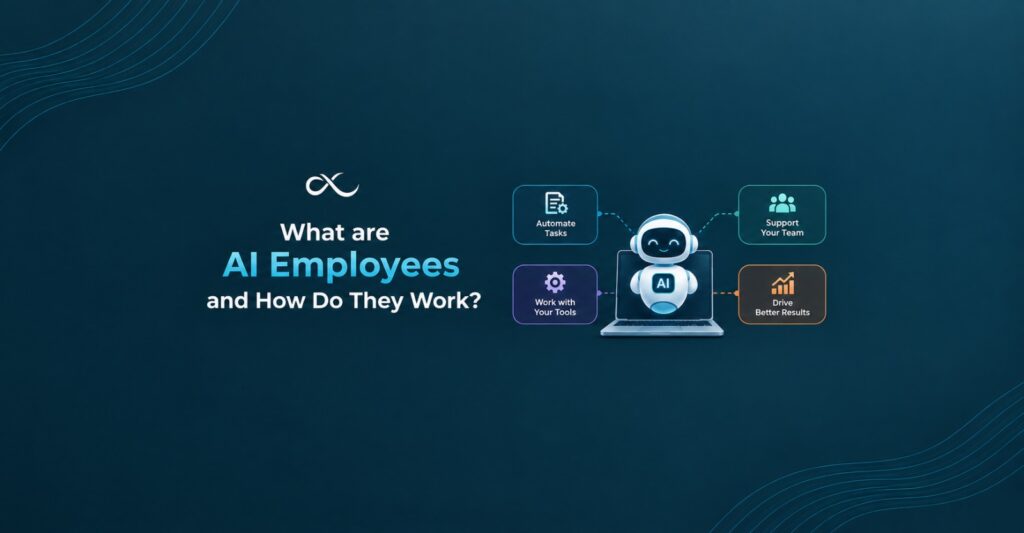
Roughly, you’ll run into three kinds. Onboarding platforms give you timelines, checklists, and a portal for the customer. Customer success suites stretch further and cover renewals and upsells along with onboarding. Then there are AI employees, which work inside your email, calendar, CRM, and chat apps and finish tasks on their own.
It’s worth knowing which kind you need before you start comparing the best AI tools. Otherwise you could end up paying for a huge suite when all you wanted was something to chase documents.
What to Look for Before You Buy
Every vendor says their product is smart. Here’s what we’d actually check.
- Automation that starts by itself. If someone has to click a button to begin every step, it isn’t saving you much. A good setup creates the account the moment payment lands.
- Document handling. Contracts, IDs, tax forms. The tool should collect and file them without anyone sending a “just checking in” email.
- Real integrations. It should plug into Slack, Gmail, HubSpot, Google Sheets, and whatever else your team already lives in.
- A live dashboard. You want to see what’s running, what’s stuck, and what needs a person, without asking around.
- A clean handoff to humans. Routine work should run on its own. Tricky cases should land with your team, along with the full story so far.
- Solid security. You’re handling customer data, so access controls and a record of every action aren’t optional.
If a tool can’t do most of this, keep looking.
Where Each Kind of Tool Fits
Onboarding is really a pile of small jobs. Different tools are good at different jobs, so it helps to match them up.
AI Writing Tools
Welcome emails and setup guides take longer to write than anyone admits. AI writing tools can give you a decent first draft in a couple of minutes. You’ll still want to tweak the tone so it sounds like your company and not a robot, but the blank page problem goes away. It’s a low risk place to start.
Generative AI Tools
These do more than draft text. Give generative AI tools a rough description and they can build a checklist, summarize a long kickoff call, or turn a messy spreadsheet into a clean plan. They get a lot better when they’ve been fed your own process. Without that, you get answers that sound like every other company out there.
AI Productivity Tools
Onboarding stalls because people forget little things. A reminder never goes out. A call never gets booked. AI productivity tools handle that kind of stuff, like scheduling, status updates, and weekly reports. It’s not glamorous work, but it hands your team hours back every month.
Free AI Tools
There’s nothing wrong with starting with free AI tools. Use them to draft emails, sum up notes, or sketch a plan for a new client. Just know the limits. You’ll usually hit usage caps, find very few integrations, and have little say over where your data goes. They’re great for learning. They’re rarely enough to run a whole onboarding process.
Why AI Tools for Business Need to Do More Than Track
Here’s something most onboarding software won’t say out loud. A lot of it is just a fancy to do list. It records what needs doing, but a person still has to do it. Someone chases the missing login. Someone updates the CRM. Someone books the kickoff.
AI tools for business get interesting when they handle those tasks themselves, across email, chat, calendar, and CRM. That’s the idea behind AutoLoopers. We build AI employees for your operations, but we don’t open with a sales pitch. We first dig into where manual work is quietly costing you money, put real numbers on it, and only then build something to fix it. You can read more about how we work if you’re curious.
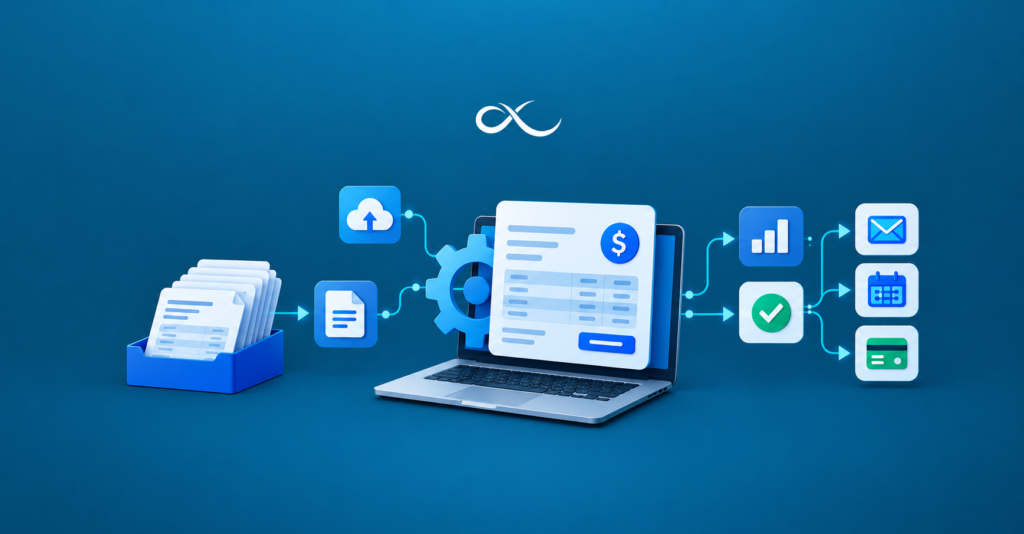
There’s a sample flow on our platform that shows what this looks like. A deal closes, a Slack workspace gets created, the kickoff doc gets shared, a call gets booked, and the CRM syncs. It all takes about three minutes and forty seconds, with zero manual steps. People only get pulled in when something unusual comes up.
How to Start Without Turning It Into a Giant Project
You don’t need a six month plan. Start small and learn as you go.
- Pick one type of customer. Choose a group big enough to learn from, like your standard mid size client, and leave the odd custom deals for later.
- Write down how you really onboard. Sit with your best onboarding person and note every step, every common problem, and every decision they make without thinking.
- Measure where you are now. How long does it take a customer to get their first win? How many onboardings get stuck? You’ll want those numbers later.
- Run the AI next to your team. Let it draft messages and update records while people keep control. Check the quality before you hand over more.
- Feed corrections back in. Every time someone fixes an output, that’s a lesson. The more you teach it, the better it gets.
After a few weeks, compare your new numbers to your starting point. If the time to first value drops, move on to the next customer type. For more background, our guides on agentic automation are a good next read.
Mistakes We See Over and Over
Plenty of teams buy a tool and then wonder why nothing changed. These are the usual culprits.
- Buying before understanding the problem. Find the bottleneck first, then pick the tool.
- Only looking at the sticker price. Setup time, add ons, and extra seats all count.
- Keeping the know how in one person’s head. If only one person understands your onboarding, no tool will save you when they leave.
- Skipping human review. Customers should know when they’re talking to AI, and tricky cases need a real person.
- Going big on day one. Prove one workflow works before you add another.
Conclusion
The first few weeks determine whether the latest consumer sticks round, and that’s precisely in which the best AI tools can help. They cope with repetitive work, send the proper message at the right time, and keep each venture moving. AI writing tools contend with the drafts, generative AI tools flip your way into a few things repeatable, and AI productivity tools hold the small stuff from slipping. Free AI tools are a splendid way to test the waters, and AI tools for business are what you emerge as at the same time as you need matters to run on their very, very, very own.
The biggest win comes from equipment that, in reality, does the work and monitors it. Start with one workflow, watch the numbers, and assemble from there. Your clients may be aware of the difference longer than your dashboard does.
Ready to Put Your Onboarding on Autopilot?
Let AutoLoopers map your busywork to a team of AI employees that work inside the tools you already use. Book a demo with AutoLoopers and watch your operations run themselves.
FAQs
1. What are AI tools for customer onboarding?
They’re software tools that assist you in welcoming new customers, managing files, installation debts, solution questions, and post-sale support. Some simple tasks, at the same time as others, can provide you with the results you want.
2. Are free AI tools good enough for onboarding?
They’re accessible for small jobs like drafting emails or making plans and to-do lists. If you want to run a whole system at some stage in several apps, you’ll probably need a few elements paid or custom, particularly for better safety and integrations.
3. How do AI writing tools help with onboarding?
They offer you a short first draft of welcome emails, set up publications, and take a look at ups. Your crew then edits the tone, however you store hours each week, and your messages live normally.
4. Which AI tools for business suit small teams?
Pick some issue that connects to the apps you already use, like Slack, Gmail, and your CRM, and that’s smooth to set up. Most small groups do exceptionally well through the use of automating one workflow first. You can take a look at the apps AutoLoopers connects with to see what’s feasible.
5. Can AI productivity tools replace my onboarding team?
No. They address everyday steps like reminders, scheduling, and status updates. Your crew nonetheless handles relationships and hard choices, just with lots and lots less manual painting.