


What Are AI Employees and How Do They Work?
What if your busiest Monday could run itself? Picture this. Leads get replies in seconds. Invoices go out without anyone chasing them. And nobody on your team spends the morning copying numbers between tools. Sounds like a dream, right? For most growing businesses, the real picture looks very different. Work keeps piling up, people get tired, and good customers wait longer than they should.
Here is the good news, and it is simple. A new kind of helper is changing this: AI employees. They take over the boring, repeated tasks and keep working long after everyone else has gone home.
In this blog, we will explain what AI employees are, how they work, and how you can start small without any hype or any big risk. Keep reading and find out how much time your team could finally win back.
Want more simple tips on saving time at work? Read our business process automation guides and learn how to run your operations with less effort.
What Are AI Employees?
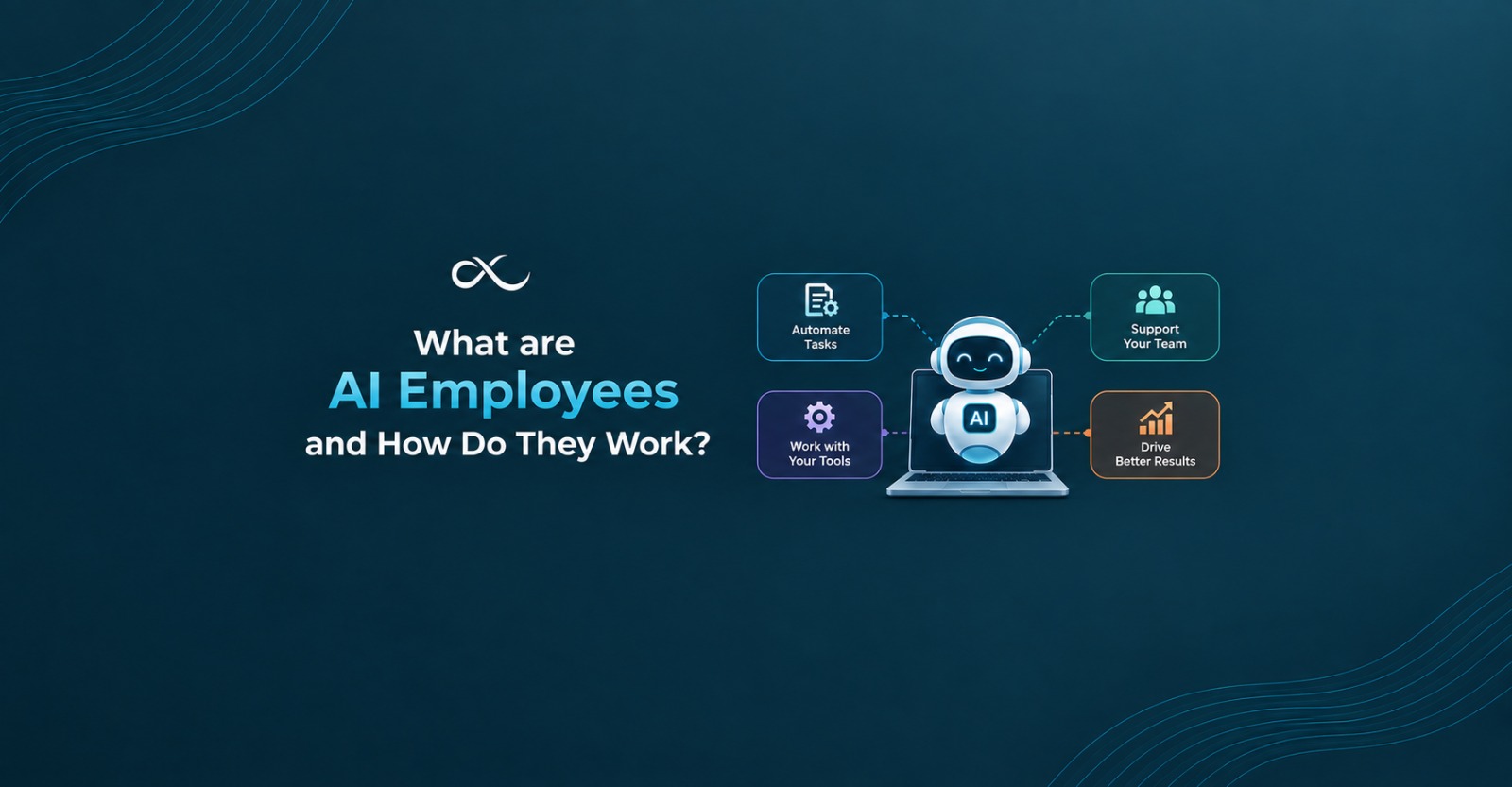
AI employees are software workers that own a specific job inside your business. You give them a role, the rules to follow, and access to the tools your team already uses. Then they do the work on their own and ask a human only when something looks unusual.
The key idea is ownership. A chatbot answers a question and waits. An AI employee watches for new work, decides what needs to happen, takes action, checks the result, and moves on to the next task. It does not need you to type a prompt every time.
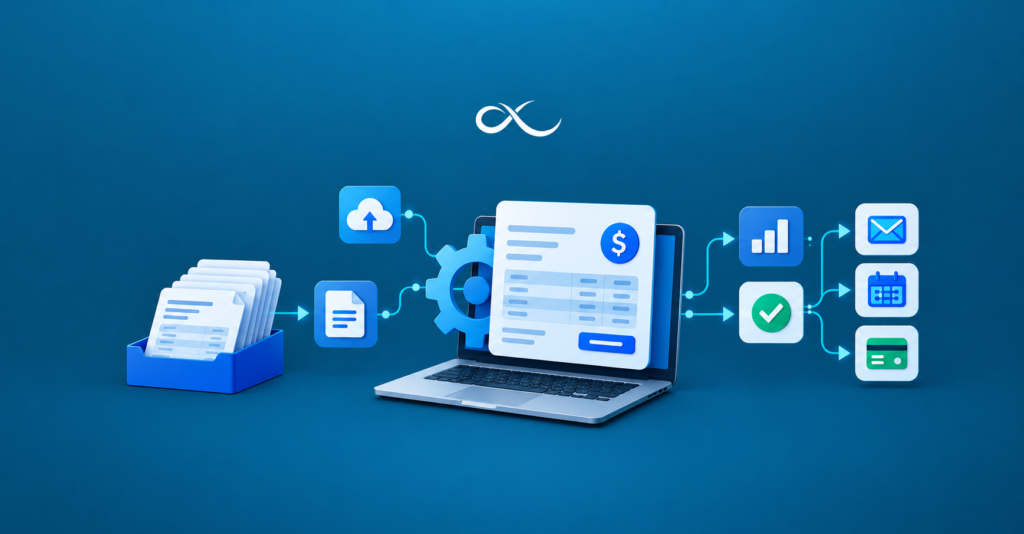
Think about a billing assistant. It can send invoices, follow up on late payments, match payments to invoices, and flag disputes for a person to review. That is a full slice of a job, not a single trick.
Curious what this looks like in real life? See how an AI employee handles a full workflow from start to finish.
How AI Employees Are Different From Other Tools
People often mix these up, so here is a simple way to tell them apart.
Chatbots answer questions. They react to you and do not own any process.
Copilots help a person while that person does the work. You stay in the driver’s seat all day.
Old style automation follows a fixed path. It works well when everything is predictable, but it breaks when an input looks different from what it expected.
AI employees handle variable inputs, work across several tools, follow your rules, and keep going until the job is done or a human needs to step in.
That last part matters. Real business work is messy. Emails come in different formats. Customers ask things in odd ways. An AI employee can read the situation and choose the right next step, which fixed rules alone cannot do.
How Do AI Employees Work?
Under the hood, most AI employees follow a loop. Here it is in simple steps.
1. They receive work. The trigger can be a new email, a form fill, a signed deal, a support ticket, or a change in a spreadsheet.
2. They gather context. The AI employee looks up what it needs, such as the customer record, past conversations, or the related document.
3. They apply your rules. Every business has its own way of doing things. You train the AI employee on your process, your tone, and your limits. This is what makes it act like your teammate and not a generic tool.
4. They take action. They send the reply, update the CRM, create the folder, book the call, or post the payment. They work inside the tools you already run, like Slack, Gmail, Google Sheets, HubSpot and Notion.
5. They check the result. A good AI employee confirms that the action worked. If a payment did not match or a file is missing, it notices.
6. They escalate when needed. If a case is outside the rules or the confidence is low, the AI employee hands it to a person with all the details attached. Nobody has to start from zero.
7. They improve over time. When a person corrects something, that correction becomes part of how similar cases are handled later.
This loop runs all day and all night. That is why people describe the setup as a team that never clocks out.
AI Employees and AI Agents: What Is the Difference?
You will see the terms AI agents and AI employees used side by side, and they are closely linked. An AI agent is technology. It is software that can reason, use tools, and complete steps toward a goal.
An AI employee is what you get when you put that agent into a real job. It has a defined role, a clear owner on your team, set permissions, and a way to measure results. In short, the AI agent is the engine, and the AI employee is the engine placed inside a job with responsibility attached.
This difference matters when you compare vendors. Many products can show a clever demo of an agent. Fewer can run a real process week after week with rules, records and human oversight.
Building a Digital Workforce
When you have one AI employee doing a job well, the next step is a digital workforce. That means several virtual employees, each handling a different part of your operations.
For example, a small team might have:
- A billing assistant that runs the invoicing cycle
- An onboarding coordinator that sets up every new client after a deal closes
- A support triage assistant that reads and replies to inbound requests
- A marketing scheduler that turns one brief into a newsletter and social posts
- A data analyst that builds the weekly report
Each one owns its lane. Together, they cover the repetitive work that slows your people down. Your human team then spends more time on relationships, strategy and judgment calls, which are the things people do best.
Want to know how a digital workforce fits your industry? Explore solutions built for finance, SaaS, healthcare, legal, ecommerce, real estate, home services and marketing.
Where AI Employees Help Most in Business Process Automation
Strong first jobs share a few traits. They happen often, they use similar steps each time, they touch more than one tool, and the result is easy to check. This is where business process automation with AI employees shines.
Lead routing. A lead that waits an hour may already be talking to someone else. An AI employee can read every new lead, qualify it, and send it to the right person in seconds.
Customer onboarding. Once a deal is signed, an AI employee can create the workspace, share the kickoff document, book the call, and sync the CRM. No one has to remember each step.
Accounts payable and invoicing. Matching invoices, chasing payments and reconciling payouts eat hours every week. AI employees handle the routine cases and show you the exceptions.
Document handling. Need a signed form found and sent to a client? An AI employee can locate the file, check permissions, and reply with the attachment.
Ticket triage. Order status questions, scheduling changes and stock checks can get quick, accurate replies without a person touching each one.
Reporting. Weekly reports that used to take a morning can be built and sent on schedule.
The Benefits of Using AI Employees
Here is what teams usually gain.
Speed. Tasks that took hours now take seconds or minutes, so customers get faster answers.
Fewer mistakes. Copying data by hand leads to errors. Software that checks its own work cuts down on them.
Lower costs. You add capacity without adding headcount for every new task.
Happier teams. Nobody loves chasing documents or updating the same spreadsheet twice. Taking that off their plate lets people focus on better work.
Clear records. Good AI employees log what they saw, what they did, and why. That helps with audits and with trust.
What AI Employees Cannot Do
It is fair to be honest here. AI employees are not magic, and they should not run without limits.
They work best inside clear rules. They should have only the access they need. Sensitive approvals, policy decisions and relationship work should still stay with people. A well designed setup makes the handoff between AI and human smooth, and that is a big part of what separates a good build from a risky one.
If a provider tells you AI can replace your whole team overnight, be careful. The goal is to remove busywork, not judgment.
How to Start With Your First AI Employee
You do not need a big project to begin. Follow these steps.
- Pick one job. Choose a task that repeats often and has a clear result.
- Write down how it works today. Include the unwritten exceptions your team handles without thinking.
- Measure the cost. Count the hours lost, the errors, and the delays. A real number makes the decision easy.
- Connect your tools. Give the AI employee only the access it needs.
- Run it with supervision. Review the first cases and fix what needs fixing.
- Expand slowly. Add more roles once the first one is reliable.
Step three is where many companies skip ahead, and it is a costly mistake. If you cannot say what a problem costs you, you cannot tell whether the fix is worth building.
How to Choose the Right AI-Powered Automation Tools
The market is crowded with AI-powered automation tools, so it helps to ask a few direct questions before you buy.
- Can it finish a whole process, or does it stop after drafting or extracting data?
- Does it work with the tools you already use?
- Can your team teach it new exceptions without hiring engineers?
- Can you control permissions, approvals and escalation?
- Can you see a record of what it did and why?
- Will the provider tie the build to a real problem and a real number?
The last question matters most. A template that looks nice but does not match your process will gather dust. A system shaped around your exact problem will get used.
Ready to see the difference a tailored build makes? See how we find the real problem, measure it, and build the fix.
Conclusion
So, what is the big takeaway? AI employees are software workers that take charge of a real job in your business. They pick up the work, follow your rules, use your tools, check their own results, and call a person when it truly matters. Put a few of them together and you get a digital workforce that keeps your operations moving day and night, even when your team is offline.
The best way to start is small. You do not need a big plan or a big budget. Pick one task that eats up your time or money. Measure what it costs you. Then build one focused fix and grow from there. The winners are not the businesses with the most tools. They are the ones that understood their problem first.
Have a process that is eating your time? Contact the AutoLoopers team and let’s map it to an AI-powered fix built around your business.
Ready to Put Your Operations on Autopilot?
At AutoLoopers, we map your busywork to a team of AI employees that plug into the tools you already use. Book a walkthrough and see what your operations could look like.
FAQ’s
1. What are AI employees in simple words?
AI employees are software workers that take ownership of a specific job, like invoicing or lead routing. They follow your rules, use your business tools, and ask a person for help only when needed.
2. Are AI employees the same as AI agents?
Not exactly. An AI agent is the technology that can reason and take steps toward a goal. An AI employee is an agent placed in a defined role with permissions, rules and results you can measure.
3. Will AI employees replace my team?
The aim is to remove repetitive work, not people. Your team keeps decisions, approvals and client relationships, while AI employees handle the routine tasks that slow everyone down.
4. Which tasks are best to give an AI employee first?
Pick a task that happens often, uses more than one tool, and has a result you can check. Lead routing, customer onboarding, invoicing and ticket triage are common starting points.
5. Are AI employees safe to use with business data?
They can be, when they are set up with limited access, clear approval steps and a full record of their actions. Always ask a provider how they handle permissions and security before you begin.